
Account menu and signing out
What this does
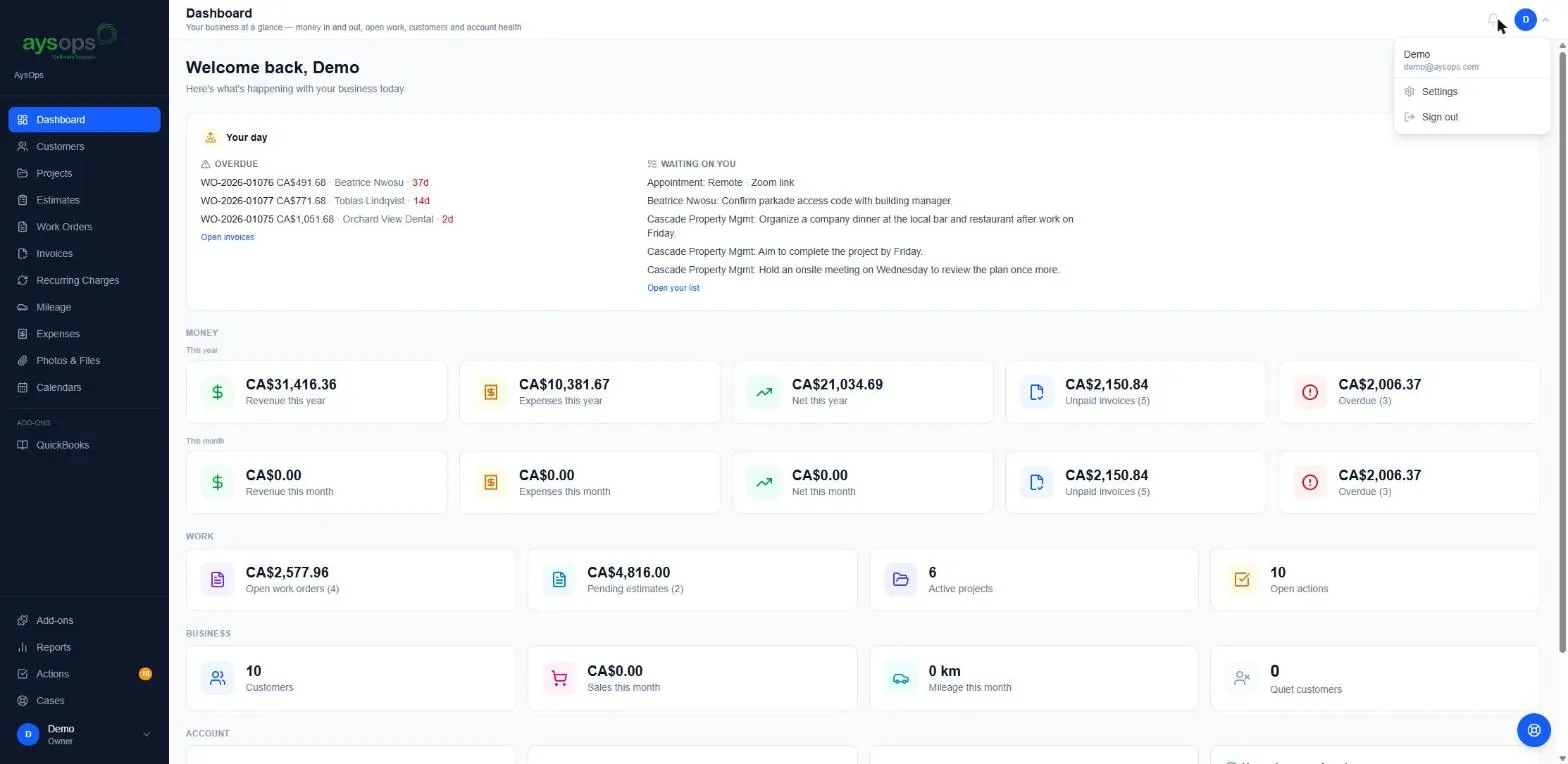
Section titled “What this does”The account menu shows who you’re signed in as and gets you to Settings or Sign out.
- Click your initial or photo at the top right of any page, or your name at the bottom left of the menu. Both open the same account menu.
- The menu shows your name and email address, then:
- Settings: your profile and the business settings you’re allowed to change.
- Sign out: signs you out of AysOps on this device.
On a phone, tap the menu button at the top left: your name, Company and Sign out are at the bottom of the menu. Settings isn’t on the phone menu. See Use AysOps on your phone or tablet.
What happens next
Section titled “What happens next”After Sign out you’re back on the sign-in page. Sign out on shared or public computers. On your own device, AysOps also signs you out by itself after a period of inactivity.
If something goes wrong
Section titled “If something goes wrong”- The email shown isn’t the one I expected: you’re signed in with a different account. Sign out and sign in with the right one.
Related articles
Section titled “Related articles”sign out, log out, logout, account menu, my account, settings, profile